Tutorial: View Family Assessment Details for IFSP Meetings
Use this tutorial to view the family assessment details for IFSP meetings on the IFSP Meetings page.
Complete the following steps to perform this tutorial:
-
Display the IFSP Meetings page.
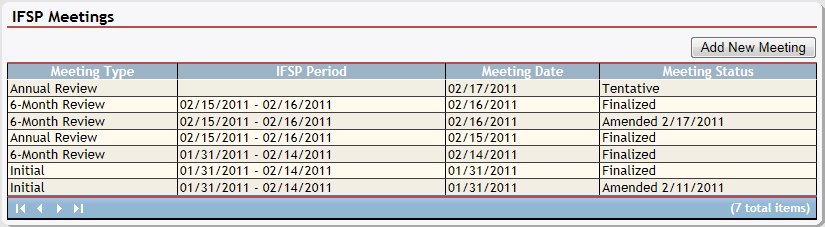
IFSP Meetings page (default view)
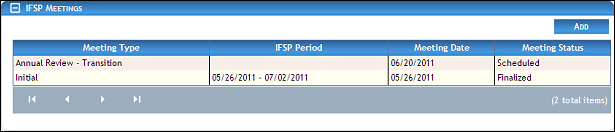
IFSP Meetings page (default view) for Coordinator/District roles

IFSP Meetings page (default view) for Provider/State roles
|
NOTE: This page contains collapsible data. Sections can be collapsed by clicking the [-] beside the section heading. Click the [+] to expand the section. Depending on the method of access and your current permissions, the page displays differently and some information may be disabled or unavailable. |

-
Double-click on a meeting in the IFSP Meetings table. The page refreshes and displays detailed information below the table.
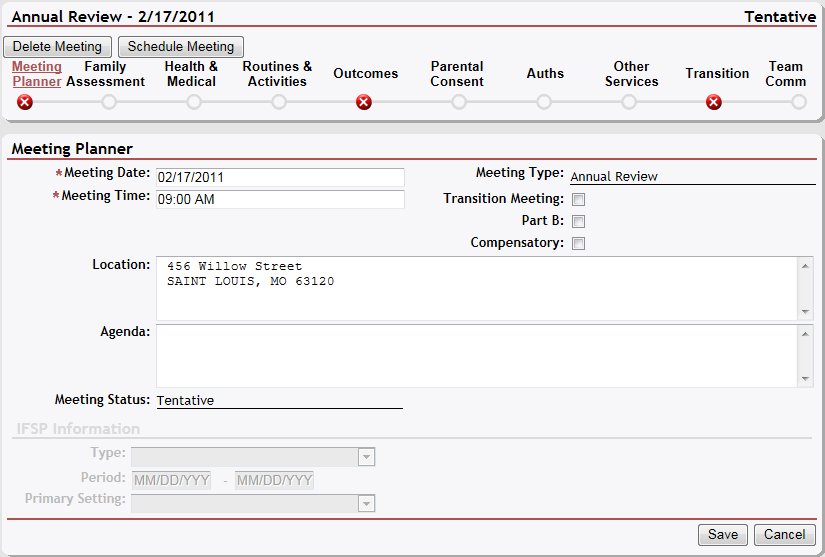
IFSP Meetings page (meeting planner view)
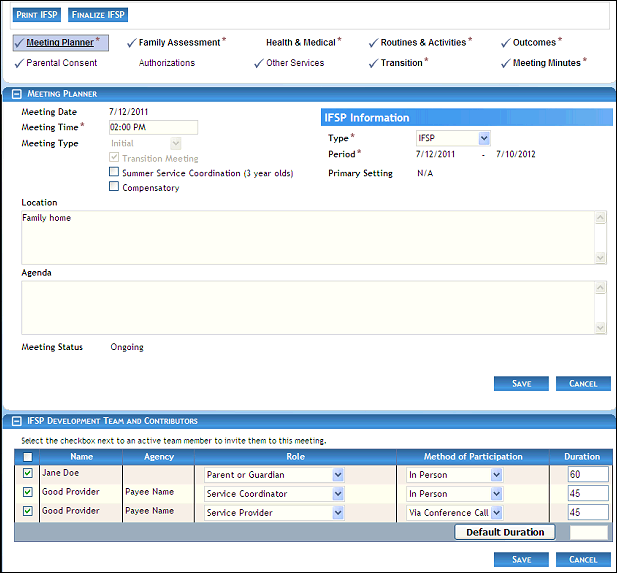
IFSP Meetings page (meeting planner view) for Coordinator/District roles
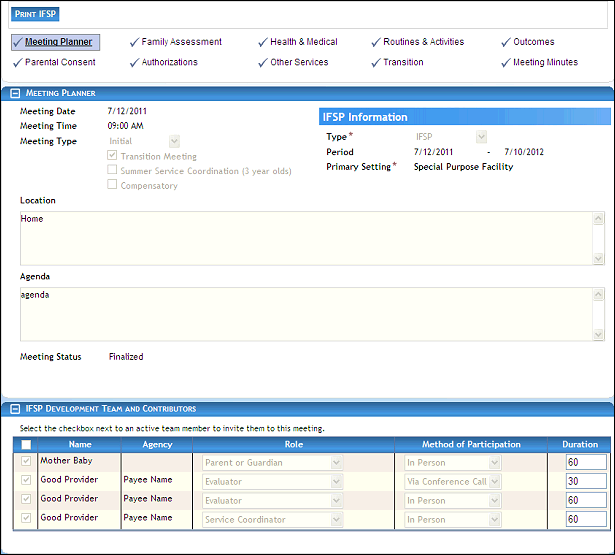
IFSP Meetings page (meeting planner view) for Provider/State roles
-
View the selected meeting date and status in the IFSP Meetings section heading.
-
Click the Family Assessment link. The page refreshes and displays additional fields for entry.
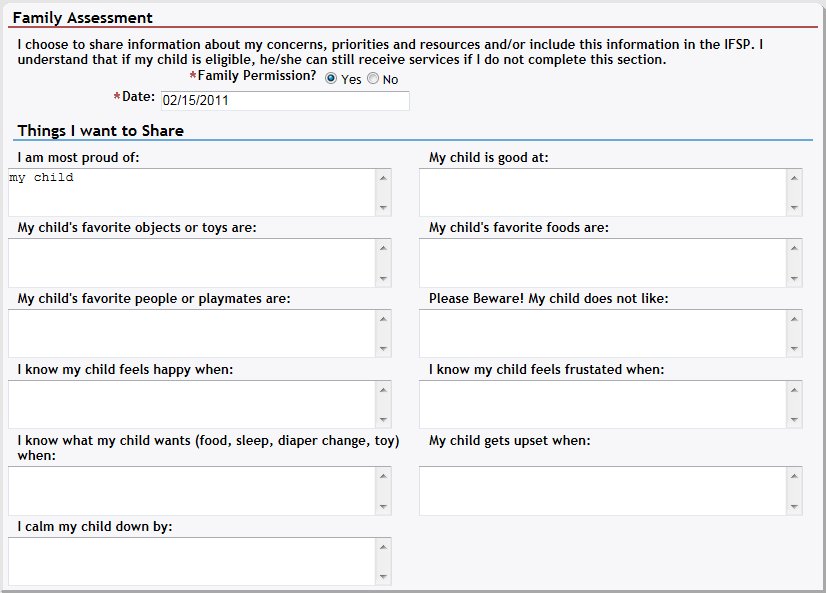
IFSP Meetings page (family assessment view)
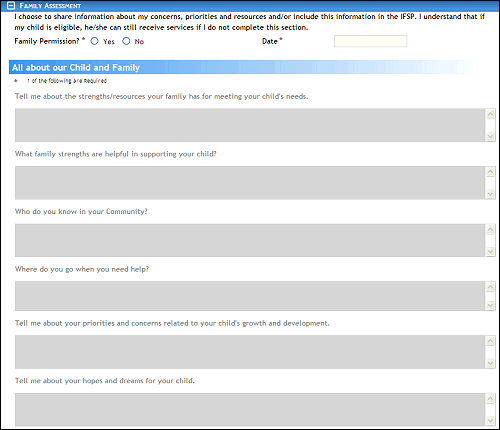
IFSP Meetings page (family assessment view) for Coordinator/District roles
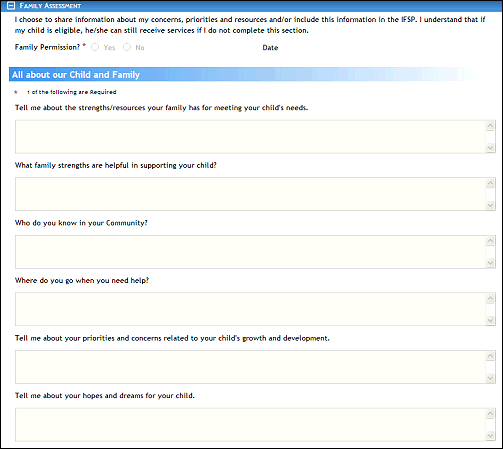
IFSP Meetings page (family assessment view) for Provider/State roles
-
View the family assessment details in the Family Assessment section:
Family Permission displays the Yes or No radio button to indicate whether the person has elected to share information about concerns, priorities, and resources with the IFSP team.
Date displays the date of the activity.
All About Our Child and Family displays a response in at least one of the following:
Tell me about the strengths/resources your family has for meeting your child's needs
What family strengths are helpful in supporting your child?
Who do you know in your community?
Where do you go when you need help?
Tell me about your priorities and concerns related to your child's growth and development
Tell me about your hopes and dreams for your child
-
View the family assessment details in the Identification of Natural Environment(s) section:
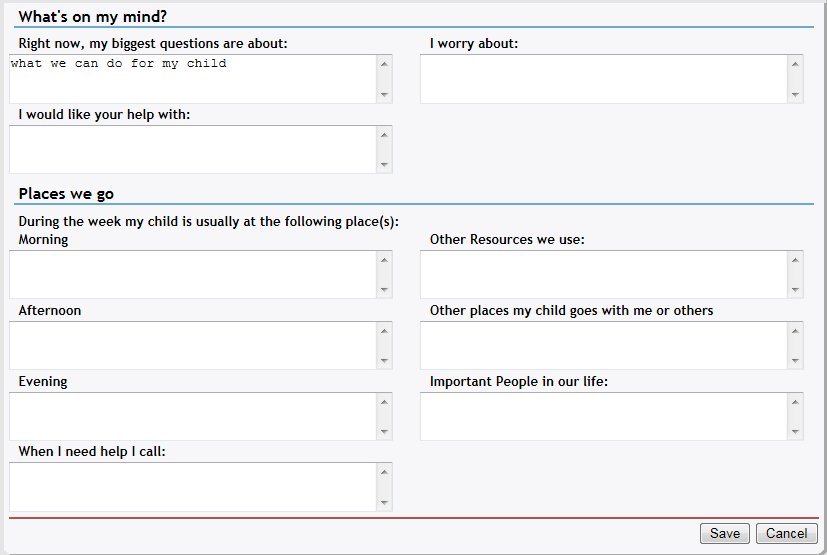
IFSP Meetings page (family assessment view)
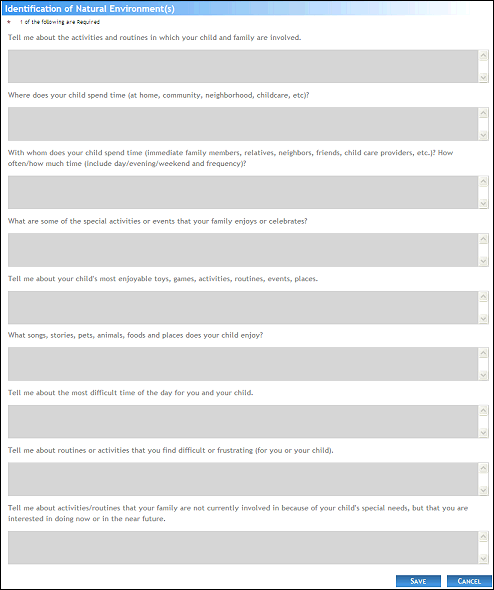
Intake page (family assessment details view) for Coordinator/District roles
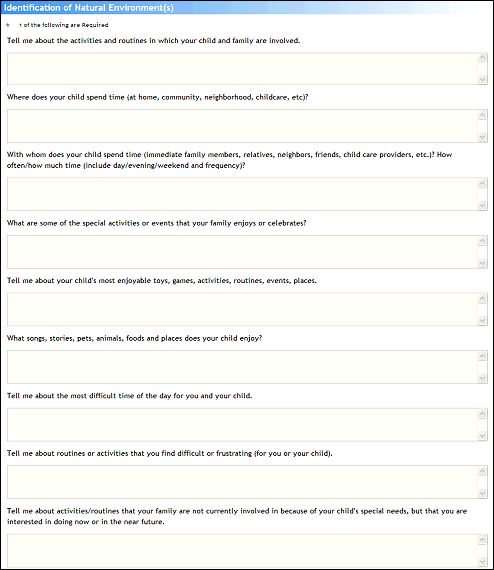
Intake page (family assessment details view) for Provider/State roles
Identification of Natural Environment(s) displays a response in at least one of the following:
Tell me about the activities and routines in which your child and family are involved.
Where does your child spend time (at home, community, neighborhood, childcare, etc)?
With whom does your child spend time (immediate family members, relatives, neighbors, friends, Child Care Providers, etc.)?
What are some of the special activities or events your family enjoys or celebrates?
Tell me about your child's most enjoyable toys, games, activities, routines, events, places.
What songs, stories, pets, animals, foods, and places does your child enjoy?
Tell me about the most difficult time of the day for you and your child.
Tell me about routines or activities that you find difficult or frustrating (for you or your child).
Tell me about activities/routines that your family is not currently involved in because of your child's special needs, but you are interested in doing now or in the near future.
-
View the child care details in the Child Care section:
Enrolled in Child Care indicates whether the child is enrolled with a child care provider.
Provider Name displays the name of the service provider.
Location displays the name of the District location.
Attendance indicates the days of the week in which the child is in child care.
Hours displays the location's business hours.
Version 1.6