Tutorial: View or Update General Health Details
Use this tutorial to view or update a child's general health details in the General Health section of the Health page.
Complete the following steps to perform this tutorial:
-
Display the Health page.
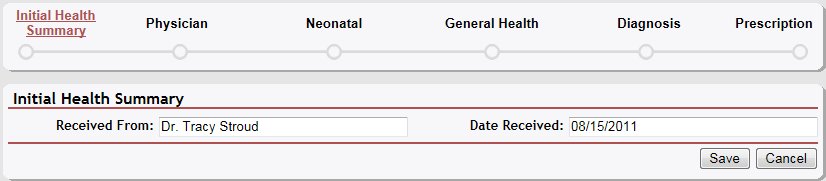

Health page (default view)
|
NOTE: This page contains collapsible data. Sections can be collapsed by clicking the [-] beside the section heading. Click the [+] to expand the section. Depending on the method of access and your current permissions, the page displays differently and some information may be disabled or unavailable. |

-
Click the [+] to expand the General Health section. The section expands to display detailed information.
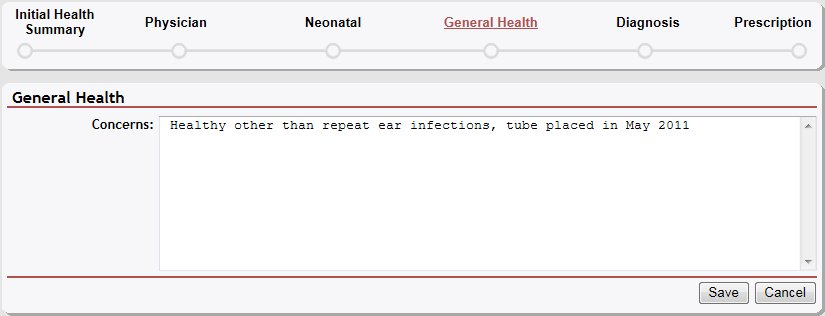
Health page (general health default view)
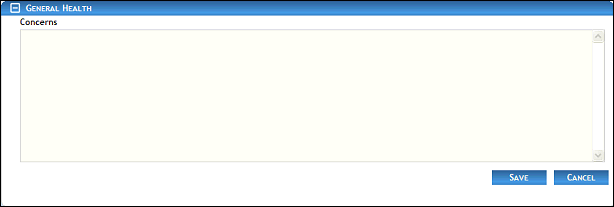
Health page (general health default view) for Coordinator/District roles
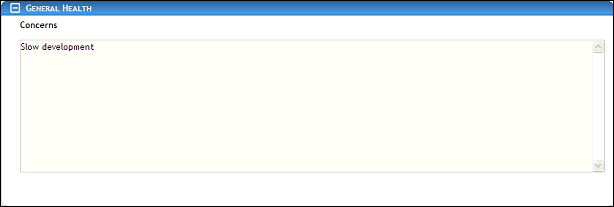
Health page (general health default view) for Provider/State roles
-
View or update the child's general health details:
In Concerns, enter any comments or concerns regarding the child's general health. Up to 1000 characters can be entered as necessary.
|
NOTE: Asterisks (*) indicate which fields are required on the page. If required information is missing, an error message displays at the top of the page after saving the data. |
-
Click the Save button. The page refreshes and displays the updated information.
Version 1.6