Tutorial: View Referral Details for a Child
Use this tutorial to view the details of a referral on the Referrals page.
Complete the following steps to perform this tutorial:
-
Display the Referrals page.

Referrals page (default view)

Referrals page (default view) for Coordinator/District roles

Referrals page (default view) for State role
|
NOTE: Depending on the method of access and your current permissions, the page displays differently and some information may be disabled or unavailable. |

-
Double-click on a referral in the Referrals table. The page refreshes and displays detailed information below the table.
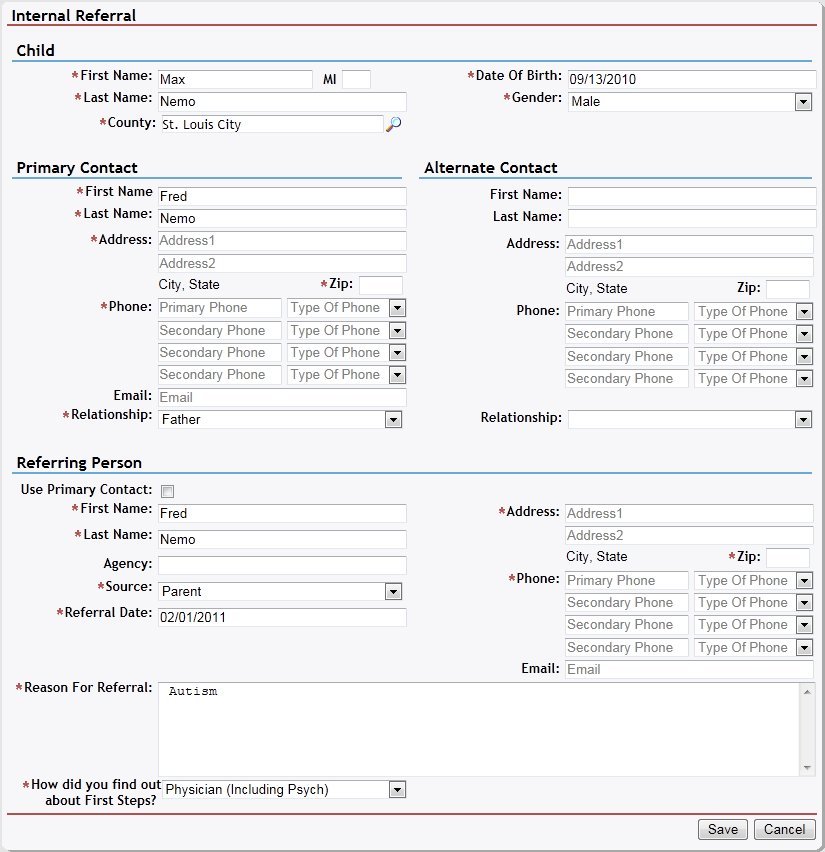
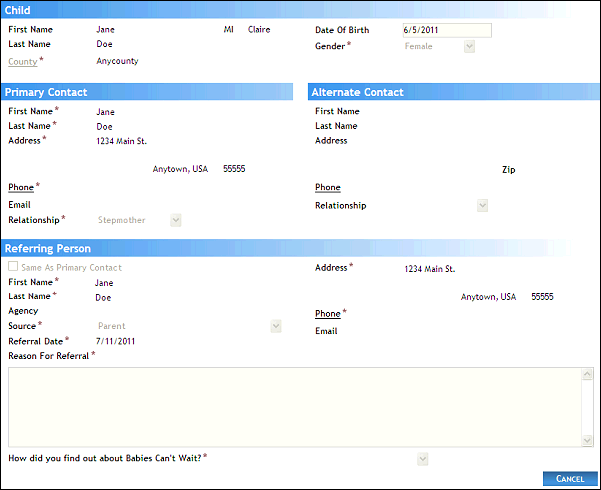
Referrals page (details view)
-
View the child's details.
The Child section displays the following demographic data:
First Name displays the person's first name.
Middle Name displays the person's middle name.
Last Name displays the person's last name.
County displays the name of the county in which the person resides.
Date of Birth (DOB) displays the month, day, and year on which the person was born.
Gender displays the person's sex.
The data in this section of the page is read-only.
-
View the child's contact information.
The Primary Contact section displays the name of the child's primary contact person, and includes the following details:
First Name displays the person's first name.
Last Name displays the person's last name.
Address displays the street address, city, two-letter state abbreviation, and zip code.
Phone displays the telephone numbers at which the person (or primary contact) can be contacted.
Email displays the individual's electronic mail address.
Relationship displays the person's relationship to the household.
The data in this section of the page is read-only.
The Alternate Contact section displays the name of the child's secondary contact person (if available), and includes the following details:
First Name displays the person's first name.
Last Name displays the person's last name.
Address displays the street address, city, two-letter state abbreviation, and zip code.
Phone displays the telephone numbers at which the person (or primary contact) can be contacted.
Relationship displays the person's relationship to the household.
The data in this section of the page is read-only.
-
View the details of the child's referral.
The Referral section displays the source and reason of the child's referral, and includes the following details:
Same As Primary Contact indicates that the referring person is same as the primary contact person if checked.
First Name displays the person's first name.
Last Name displays the person's last name.
Agency displays the name of the agency with which the person is associated (if applicable).
Referral Source displays the source of the referral.
Referral Date displays the date on which the referral was first viewed at the EI location.
Address displays the street address, city, two-letter state abbreviation, and zip code.
Phone displays the telephone numbers at which the person (or primary contact) can be contacted.
Email displays the individual's electronic mail address.
Relationship displays the person's relationship to the household.
Reason For Referral displays the reason why the person was referred to the Georgia Babies Can't Wait program.
The family has been informed of this referral indicates that the family has been contacted regarding the child's referral to the Georgia Babies Can't Wait program. This field displays if the referral Source is not "Parent" "CAPTA".
If not, how do you plan on informing them? displays the planned method of contact regarding the person's referral to the Georgia Babies Can't Wait program. This field displays if the referral Source is not "Parent" "CAPTA".
How did you find out about Babies Can't Wait? displays the way in which the referring person heard about the Georgia Babies Can't Wait program. This field displays if the referral Source is "Parent".
The data in this section of the page is read-only.
Version 1.6