Tutorial: View the Transfer History for a Child
Use this tutorial to view the transfer history for a child and/or to filter the list of transfers displayed on the Transfer History page.
Complete the following steps to perform this tutorial:
-
Display the Transfer History page.
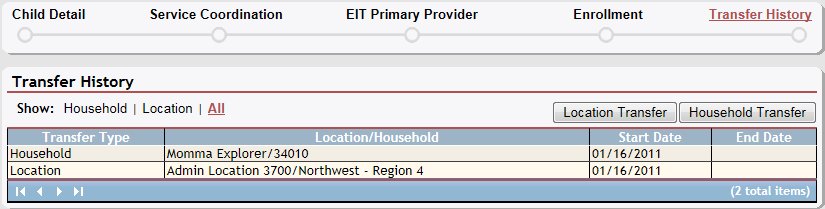
Transfer History page (default view)
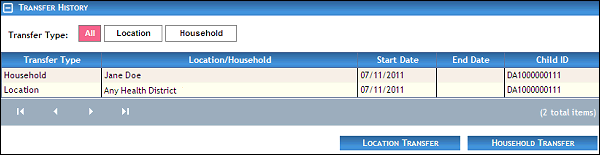
Transfer History page (default view) for Coordinator/District roles
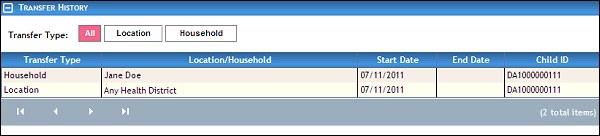
Transfer History page (default view) for State role
-
View the list of transfers in the Transfer History table.
The table contains a list of all location and household transfers for the child. Detailed information about the transfers displays in the following columns of the table:
Transfer Type displays whether the transfer type is Location or Household.
Location/Household displays the Household ID and Household Last Name or Numeric ID and Location Description.
Start Date displays the date on which the activity begins.
End Date displays the date on which the activity is or was completed.
The data in these columns of the table is read-only.
|
NOTE: If no results are found, the table displays a single row containing the text: "No Records Found". For more information about tables, see the Tables topic. |

-
Filter the results in the Transfer History table by clicking the following buttons:
Click All to display all results available.
Select Location to only display location transfers.
Select Household to only display household transfers.
Version 1.6