Tutorial: View Parent Information for Your First Steps Program
Use this tutorial to access the Georgia Department of Elementary and Secondary Education website's Special Education page and view parent information from the Home page.
|
NOTE: This tutorial can only be performed when you are logged out of the Georgia Babies Can't Wait system. |

Complete the following steps to perform this tutorial:
-
If you are currently logged into the Georgia Babies Can't Wait system, select the Logout link at the top left of the page. You are logged out of the system and the Home page displays.
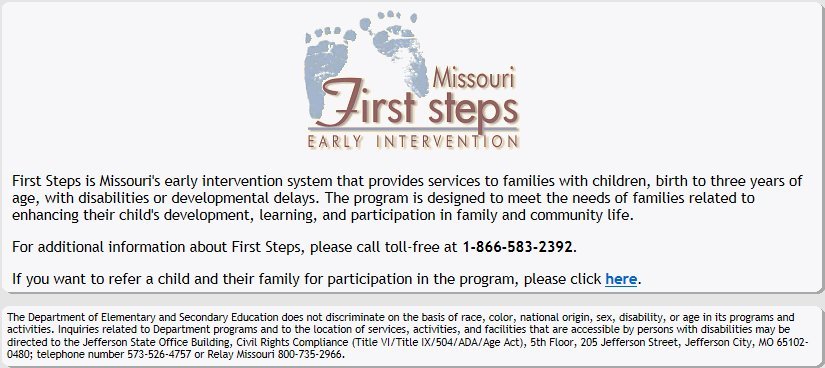
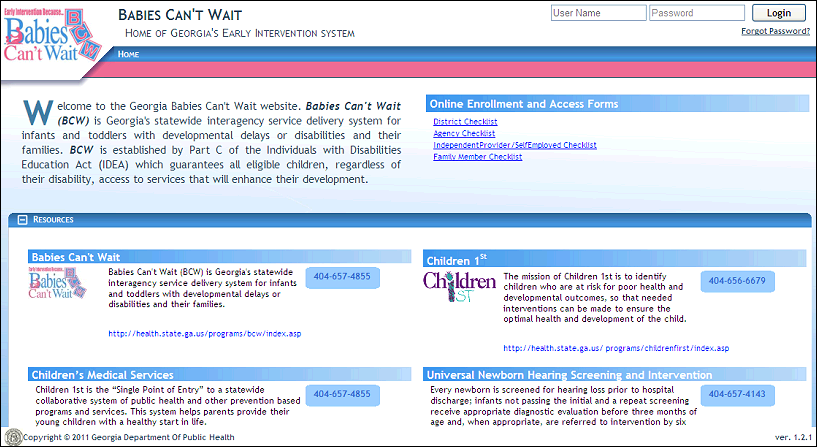
Home page (default view)
-
In the Babies Can't Wait for the Family section, select the Parent Information link. The Georgia Department of Elementary and Secondary Education website displays the Special Education page with links for parents in a new browser window
Version 1.6