|
NOTE: Depending on the method of access and your current permissions, this tutorial may not be available. |
Use this tutorial to delete an existing line item from a claim on the Transportation Claim Entry page.
|
NOTE: Depending on the method of access and your current permissions, this tutorial may not be available. |
Complete the following steps to perform this tutorial:
Display the Transportation Claim Entry page.
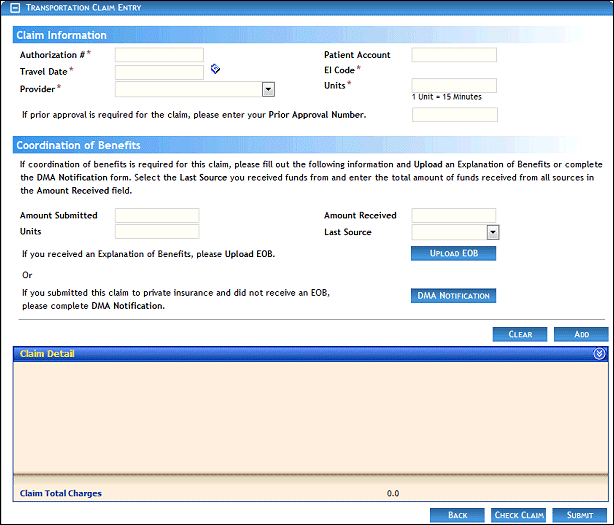
Transportation Claim Entry page (default view)
Click the  icon for a specific line item in the Delete column of the Claim Detail table.
A confirmation message displays. Click OK to delete the line item from the claim.
Version 1.6
