|
NOTE: Depending on the method of access and your current permissions, this tutorial may not be available. |
Use this tutorial to delete an existing PSP Team meeting on the PSP Team Meeting Details page.
|
NOTE: Depending on the method of access and your current permissions, this tutorial may not be available. |
Complete the following steps to perform this tutorial:
Display the PSP Team Meeting Details page.
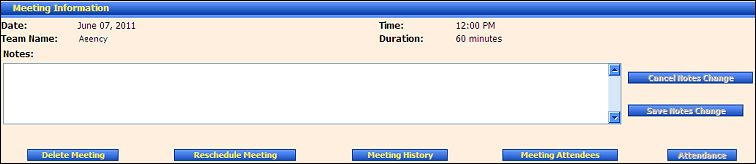
PSP Team Meeting Details page (default view) for District role
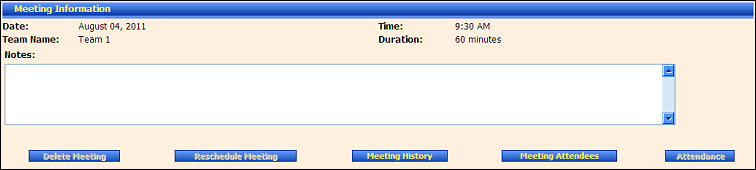
PSP Team Meeting Details page (default view) for Provider/State roles
Click the Delete Meeting button. The page refreshes to display the Delete Meeting section.

PSP Team Meeting Details page (delete meeting view)
Under Delete Meeting, click Delete Meeting to remove the PSP Team meeting from the database.
Version 1.6
