|
NOTE: Depending on the method of access and your current permissions, this tutorial may not be available. |
Use this tutorial to remove an attendee from an existing PSP Team meeting on the PSP Team Meeting Details page.
|
NOTE: Depending on the method of access and your current permissions, this tutorial may not be available. |
Complete the following steps to perform this tutorial:
Access the PSP Team Meeting Details page.
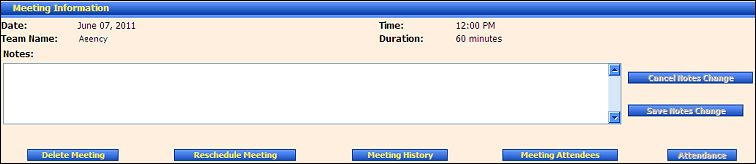
PSP Team Meeting Details page (default view) for District role
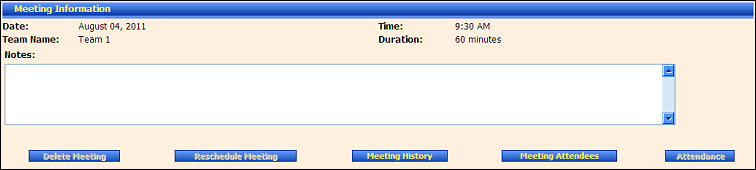
PSP Team Meeting Details page (default view) for Provider/State roles
Click the Meeting Attendees button. The page refreshes to display the Meeting Attendees table.
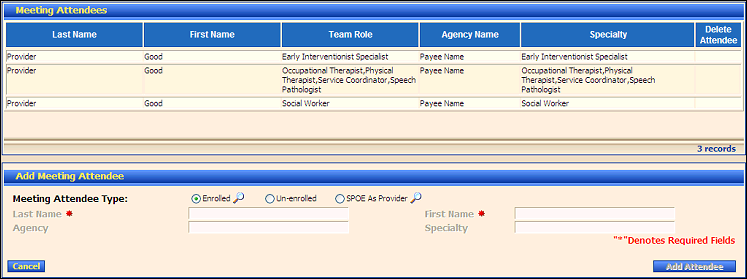
PSP Team Meeting Details page (meeting attendees view)
Click the  icon for a specific attendee in the Delete Attendee column of the Meeting Attendees table.
Version 1.6
