Tutorial: Delete a Progress Note for a Child
Use this tutorial to delete a progress note for a child on the Progress Notes page.
Complete the following steps to perform this tutorial:
-
Display the Progress Notes page.

Progress Notes page (default view)
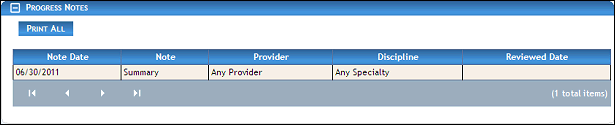
Progress Notes page (default view) for State/Coordinator role
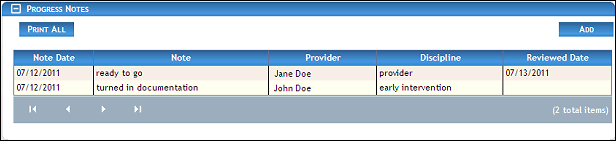
Progress Notes page (default view) for District/Provider roles
|
NOTE: Depending on the method of access and your current permissions, the page displays differently and some information may be disabled or unavailable. If no results are found, the table displays a single row containing the text: "No Records Found". For more information about tables, see the Tables topic. |

-
Double-click on a progress note in the table. The page refreshes and displays detailed information below the table.
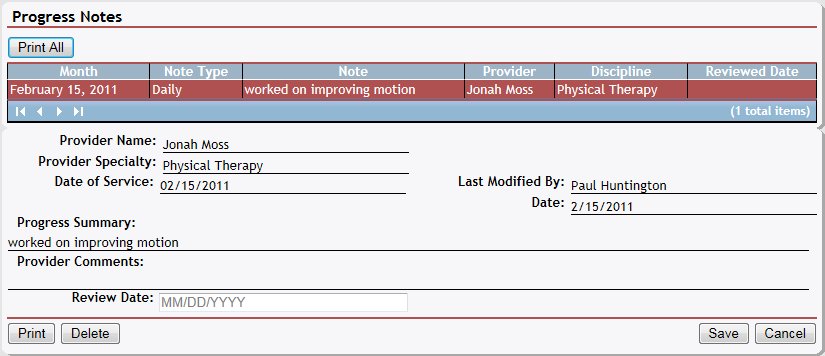
Progress Notes page (details view)
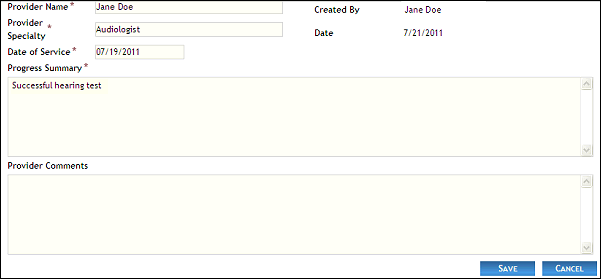
Progress Notes page (details view) for Coordinator/Provider roles
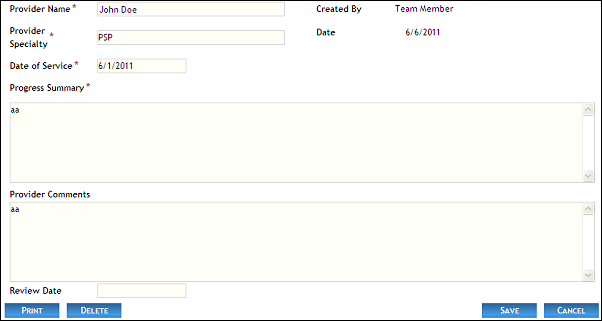
Progress Notes page (details view) for District role
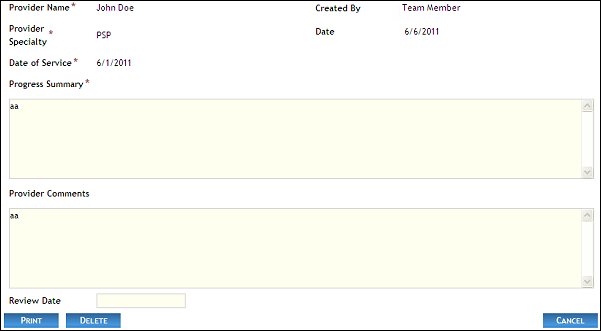
Progress Notes page (details view) for State role
-
Click Delete. A confirmation message displays asking if you are sure you want to delete the progress note.
-
Click OK. The page refreshes and the selected note is removed from the table.
Version 1.6