Progress Notes
This page allows you to view the details of all progress notes currently recorded for a child.
The Progress Notes page is available to the following user role(s) within the Georgia Babies Can't Wait Child Care Management application:
Coordinator (service coordinators/intake coordinators)
District (case administrators)
Provider (service providers)
State (CFOs and state staff)
|
|
To access this page, complete the following steps: On the Home page:
On the Child Detail page:
|


Progress Notes page (default view)
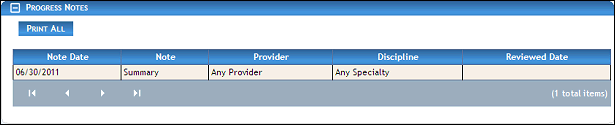
Progress Notes page (default view) for State/Coordinator role
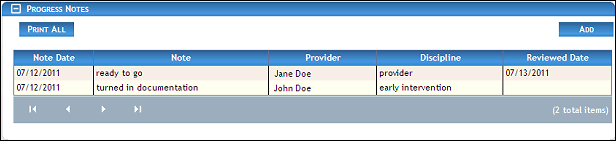
Progress Notes page (default view) for District/Provider roles
|
NOTE: Depending on the method of access and your current permissions, the page displays differently and some information may be disabled or unavailable. |

Managing Progress Notes
You can view detailed progress notes on this page as necessary.
See the following topic(s) in the online help system or the user manual for more information:
Version 1.6